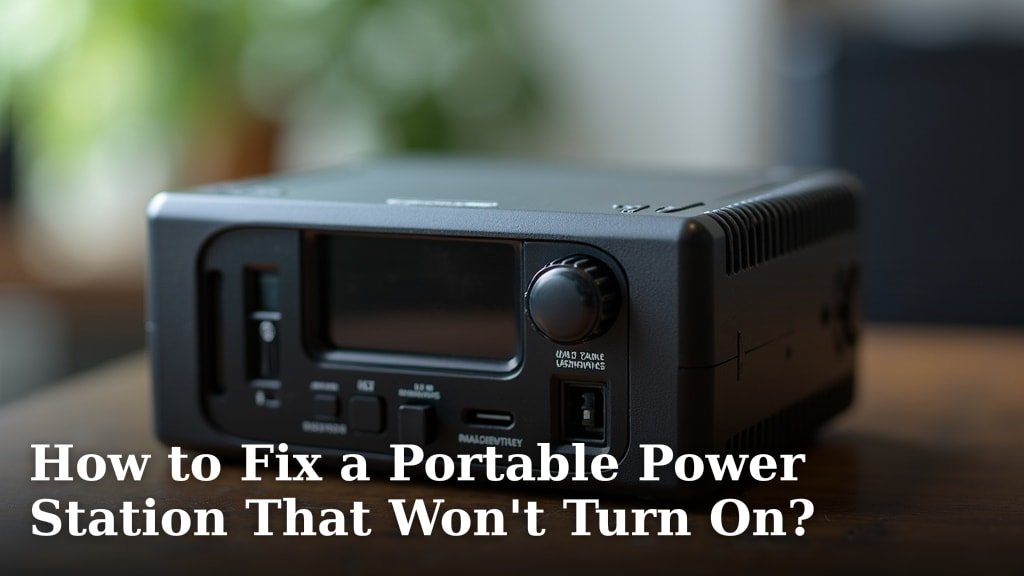
If your portable power station won’t turn on, start by checking the battery charge level and ensuring the power button is fully pressed. Often, a simple recharge or a firm press is all it needs to fix the issue.
We understand how frustrating it is when your gear doesn’t work, especially when you depend on it for power on the go. Many users experience this, and it’s usually a quick fix that doesn’t require a repair shop.
- Check the battery.
- Press the power button firmly.
- Look for error codes.
- Try a different charging method.
Ready to get your power station back in action? We’ll walk you through common reasons why your portable power station might be refusing to power up, along with simple steps to troubleshoot and fix it yourself.
Troubleshooting Your Portable Power Station When It Won’t Power On
Having your portable power station fail to turn on can be really frustrating, especially when you’re counting on it. Don’t worry, many common issues have simple solutions. We’ll walk you through the most likely culprits and how to fix them.
Check the Basics: Power Button and Battery Charge
Before diving into complex diagnostics, let’s cover the essentials. Sometimes the fix is surprisingly simple.
Is the Power Button Fully Depressed?
It sounds obvious, but is the power button fully pressed? Many power stations have a soft-touch button that needs a firm, sustained press to activate. Some models require you to hold the button for a few seconds. We’ve found that users often tap it quickly, which isn’t enough. Try pressing it firmly for 3-5 seconds. Listen for a faint click or look for any indicator lights.
What’s the Battery Charge Level?
This is probably the most common reason a power station won’t turn on. If the battery is completely drained, it simply won’t have the juice to boot up. Most portable power stations have a “sleep” mode or a low-voltage cutoff to protect the battery, meaning it won’t respond if it’s too low. Try plugging your power station into a wall outlet for at least 30 minutes. Even if it doesn’t show signs of life immediately, a little charge might be all it needs to wake up (National Institutes of Health).
Examine Charging Methods and Cables
If the battery needs a charge, but it’s not taking one, the problem might be with your charging setup.
Are You Using the Right Charger and Cable?
Portable power stations are often particular about their chargers. Using a charger or cable not designed for your specific model can prevent it from charging or even damage it. Always use the original charger and cable that came with your unit. If you’ve lost it, check the manufacturer’s website for the correct specifications and buy a compatible replacement. An incorrect charger might provide the wrong voltage or amperage, leading to charging issues.
Is the Charging Port Damaged or Blocked?
Take a good look at the charging port on your power station. Is it clean and free of debris? Dust, lint, or even small insects can accumulate inside, preventing a good connection. Use a flashlight to inspect it. If you see blockages, gently use a can of compressed air or a non-metallic pick (like a toothpick) to clear it out. Also, check for any signs of physical damage, like bent pins. A damaged port will need professional repair.
Try a Different Charging Method
Most power stations offer multiple ways to charge: wall outlet, car charger, and solar panels. If one method isn’t working, try another. For instance, if it’s not charging from the wall, try plugging it into your car’s 12V outlet (if supported). This helps you figure out if the problem is with the power station itself or the specific charging method you’re using. Many users find success by simply switching to a different charging source.
Decoding Error Codes and Display Issues
Your power station might be trying to tell you something with its screen or lights, even if it’s not fully turning on.
Are There Any Indicator Lights or Error Codes?
Even if the main display isn’t active, many power stations have small LED indicator lights that can signal a problem. For example, a red light might mean an error, while a blinking light could indicate a specific issue. Consult your user manual for a list of error codes or indicator light meanings. This can pinpoint issues like overheating, overcharging, or a faulty battery cell. Knowing what the lights mean is like having a secret decoder ring for your device.
Is the Display Screen Working?
Sometimes the power station is on, but the display screen itself is faulty. You might think it’s off when it’s actually just not showing you anything. If you plug in a small USB device (like a phone), does it charge? If so, the power station might be working, but the screen needs attention. This is less common but can happen. Try holding down the power button for an extended period (10-15 seconds) to see if it resets the display.
Consider Environmental Factors
The environment where you store or use your power station can also affect its performance.
Is the Temperature Too Extreme?
Portable power stations often have operating temperature ranges. If it’s too hot or too cold, the unit might refuse to turn on as a safety measure. For instance, lithium-ion batteries perform best within certain temperatures (Cleveland Clinic). If your power station has been sitting in a scorching car or a freezing garage, bring it indoors to a stable room temperature for a few hours. Give it time to acclimate before trying to turn it on again. Extreme temperatures can also affect battery longevity.
When All Else Fails: Reset, Update, or Seek Help
If you’ve tried everything above and your power station still isn’t cooperating, there are a few more steps.
Perform a Hard Reset
Just like your smartphone or computer, a power station can sometimes benefit from a hard reset. This clears any temporary software glitches. Many models have a hidden reset button (often a small pinhole that requires a paperclip) or a specific button combination to perform a reset. Check your user manual for instructions. This can often resolve mysterious power issues by giving the internal system a fresh start.
Check for Firmware Updates (If Applicable)
Some advanced portable power stations allow for firmware updates. If your unit is relatively new and has connectivity features (like Bluetooth or Wi-Fi), there might be an available update that addresses known bugs or improves stability. Connect your device to the manufacturer’s app (if it has one) and see if any updates are pending. An outdated firmware could be causing a software conflict that prevents proper startup.
Contact Manufacturer Support
If you’ve exhausted all troubleshooting steps, it’s time to reach out to the experts. Contact the manufacturer’s customer support. Have your model number, serial number, and a clear description of the problem ready. They can offer specific diagnostic steps or arrange for repair or replacement, especially if your unit is still under warranty. Don’t be afraid to ask for help; that’s what they’re there for!
Here’s a quick checklist to help you methodically work through the possible solutions:
- Firmly press the power button for several seconds.
- Plug it in to charge for at least 30 minutes, even if it seems dead.
- Use the original charger and inspect cables/ports for damage.
- Try a different charging method (e.g., wall, car, solar).
- Check the user manual for error codes or indicator lights.
- Move the power station to a moderate room temperature.
- Perform a hard reset if your model supports it.
| Problem Symptom | Likely Cause(s) | Quick Fix |
|---|---|---|
| No lights, no response | Completely drained battery, power button issue | Charge for 30+ min; firm, sustained button press |
| Charging but won’t turn on | Faulty charger/cable, internal battery issue | Try different charger/cable/method; hard reset |
| Flashes lights/error code | Specific internal fault, overheating/cooling | Consult manual for code; adjust ambient temperature |
| Turns on then off immediately | Critically low battery, short circuit | Extended charge; contact support if persists |
By following these steps, you significantly increase your chances of getting your portable power station back up and running without needing a professional repair. Remember, patience and a systematic approach are key!
Conclusion
Getting your portable power station to turn on again often boils down to a few basic checks. You’ve learned how to troubleshoot common issues like low battery, power button quirks, and charger problems. Remember to systematically work through the steps: charge it, check connections, and consult your manual. Patience is key, as is a little bit of detective work.
By following these methods, you stand a great chance of bringing your device back to life. If all else fails, don’t hesitate to contact the manufacturer’s support; they can provide specific guidance for your model.
Frequently Asked Questions
Why would a new portable power station not turn on?
A new power station might not turn on because its battery is shipped with a very low charge or in a deep sleep mode for safety. Always give a new unit a full charge for several hours before its first use. Also, confirm you’re pressing the power button correctly, as some require a sustained press.
Can a portable power station battery be completely dead and unrecoverable?
Yes, sometimes a portable power station’s battery can enter a state where it’s too deeply discharged to recover, especially if left uncharged for a very long time. While rare with modern protection circuits, it can happen. If extended charging doesn’t revive it, the battery might be damaged.
How do I know if my portable power station is charging correctly if it won’t turn on?
Even if the main display is off, look for small indicator lights near the charging port or on the unit itself. These often glow or blink to show a charging status. Feel the charger or power station; a slight warmth can also indicate current flow, but rely on indicator lights when possible.
Is it safe to try opening my portable power station to fix it?
We do not recommend opening your portable power station yourself. Doing so can void your warranty, and you risk electric shock or damaging internal components, especially with high-capacity batteries. For internal issues, always contact the manufacturer or a qualified technician.
What does a flashing error light mean if my power station won’t turn on?
A flashing error light usually indicates a specific problem detected by the power station’s internal system. This could be anything from an overload to a temperature warning or an internal fault. You should consult your user manual immediately, as it will explain what each specific flash pattern or color means for your model.