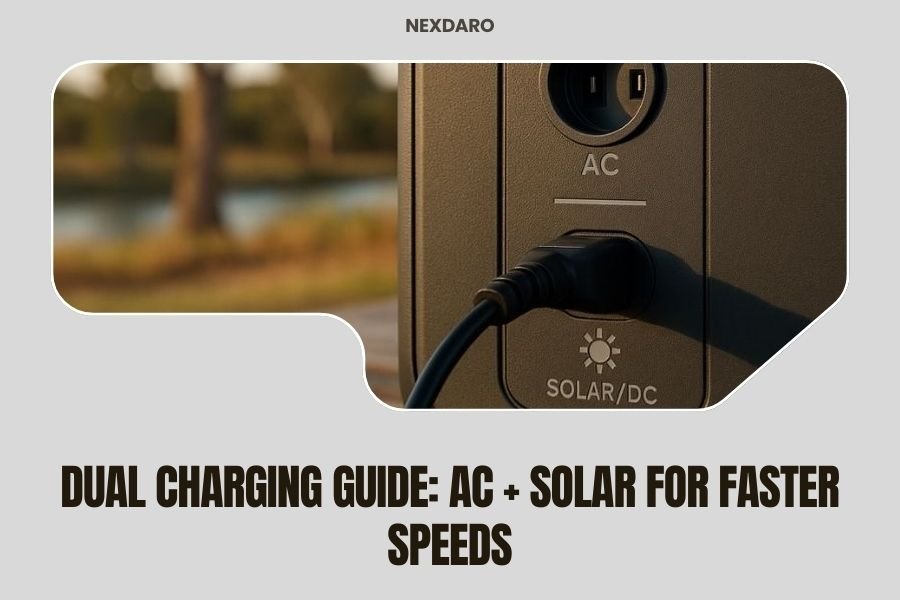
Dual charging with AC and solar simultaneously can charge your portable power station up to 80% faster than using either method alone.
Most modern power stations support dual AC + solar charging, combining wall outlet power with solar panel input for maximum charging speed.
How Dual Charging Actually Works
Think of dual charging like filling a pool with two hoses instead of one. Your power station has separate charging circuits that can handle both AC power from the wall and DC power from solar panels at the same time.
The magic happens in the charge controller. It manages both power sources without causing conflicts or damage. You get the steady, high-wattage input from your wall outlet plus the free energy from your solar panels.
The Science Behind Faster Charging
Research from renewable energy studies shows that combining power sources can reduce charging time by 40-80%. The exact speed depends on your solar panel wattage and available sunlight.
Your power station treats each input as a separate channel. AC charging might deliver 600 watts while your solar panels add another 200-400 watts. That’s 800-1000 watts total instead of just 600 watts.
Which Power Stations Support Dual Charging
Not every power station can handle dual charging. You need a model specifically designed for it.
Popular Models That Work
- EcoFlow Delta series
- Bluetti AC200 and EB240
- Goal Zero Yeti 1500X and above
- Jackery Explorer 1000 and higher
- Anker PowerHouse 767
How to Check Your Model
Look at your power station’s input ports. You need both an AC charging port (usually a round barrel connector) and separate solar input ports (MC4 or Anderson connectors).
Check your manual for “simultaneous charging” or “dual input” features. Some manufacturers call it “pass-through charging” or “hybrid charging.”
Setting Up Your Dual Charging System
Getting dual charging right takes the right equipment and setup. Let me walk you through it step by step.
Equipment You’ll Need
- Compatible power station
- AC wall charger (usually included)
- Solar panels (100-400 watts recommended)
- Proper solar cables and connectors
- Access to wall outlet and sunlight
Step-by-Step Setup Process
Step 1: Position Your Power Station
Place your power station where you can reach both a wall outlet and position solar panels in direct sunlight. Extension cords work if needed, but shorter runs are better.
Step 2: Connect AC Power First
Plug your AC adapter into the wall, then connect it to your power station. You should see the charging indicator light up. Many units will show the input wattage on their display.
Step 3: Add Solar Panels
Connect your solar panels to the DC input ports. Make sure the voltage and connector types match your power station’s requirements. Most units accept 12-30 volts from solar.
Step 4: Monitor Both Inputs
Your power station’s display should now show both AC and solar inputs working. The total charging wattage will be higher than either source alone.
Optimizing Your Charging Speed
Getting the fastest possible charging means tweaking both your AC and solar setups.
Maximizing Solar Input
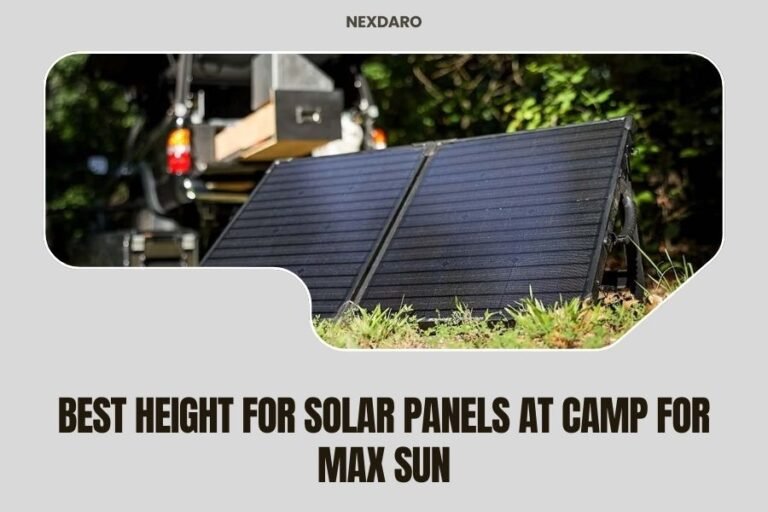
Panel Positioning Matters
Point your panels directly at the sun. Even 15 degrees off can reduce output by 20-30%. If you’re charging for hours, consider adjusting panel angle as the sun moves.
Clean Panels Work Better
Dust and debris can cut solar output in half. A quick wipe with a damp cloth can boost charging speed significantly.
Temperature Affects Performance
Solar panels work best in cool, bright conditions. Hot panels (over 85°F surface temperature) produce less power. Some airflow helps.
AC Power Optimization
Use Dedicated Outlets
Avoid power strips or outlets shared with high-draw appliances. Your power station needs consistent voltage for peak charging speed.
Check Your Home’s Power Quality
Low household voltage (under 110V) will slow AC charging. If your lights dim when appliances start, you might have voltage issues affecting charging speed.
Real-World Charging Speed Examples
Let me show you what dual charging looks like with actual numbers.
| Power Station | AC Only | Solar Only | AC + Solar | Time Savings |
|---|---|---|---|---|
| EcoFlow Delta 1300 | 1.6 hours | 6-8 hours | 1.2 hours | 25% faster |
| Bluetti AC200P | 4.5 hours | 8-12 hours | 3.2 hours | 29% faster |
| Goal Zero Yeti 1500X | 5.5 hours | 12-16 hours | 3.8 hours | 31% faster |
Weather Impact on Speed
Sunny days give you the best dual charging performance. On cloudy days, you might only see 10-20% speed improvement since solar input drops significantly.
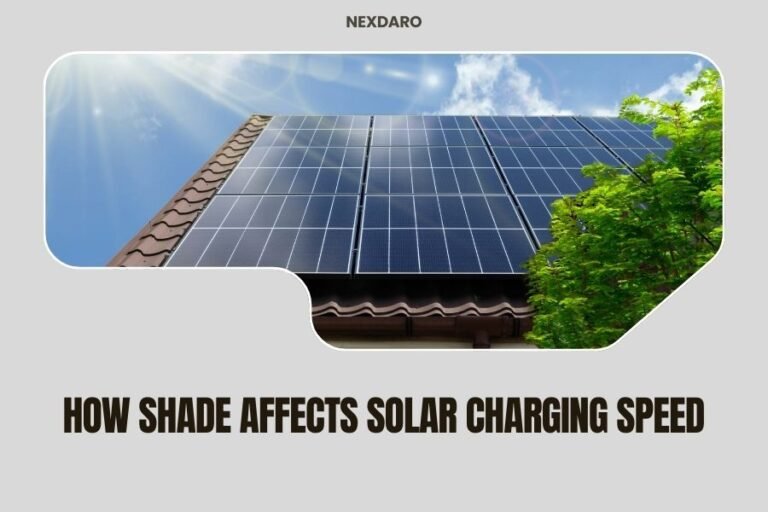
I found through research that partial shade on just one solar panel can reduce your entire solar array’s output by 50% or more.
Safety Considerations
Dual charging is generally safe, but you need to follow some basic rules.
Heat Management
Higher charging speeds create more heat. Make sure your power station has good ventilation. Don’t charge in direct sunlight or enclosed spaces.
Most quality power stations have built-in thermal protection that will slow charging if they get too hot.
Electrical Safety
Match Voltage Requirements
Never exceed your power station’s maximum input voltage. Check your solar panel specs against your unit’s limits. Too much voltage can damage the charging circuit.
Use Proper Connectors
Loose connections create heat and fire risk. Make sure all solar connectors click securely into place.
Troubleshooting Common Issues
Sometimes dual charging doesn’t work as expected. Here’s how to fix the most common problems.
Solar Not Working During Dual Charging
Check your solar panel voltage with a multimeter. You need at least 18-20 volts in full sun for most power stations to recognize solar input.
Some units won’t accept solar input if AC charging is already providing maximum power to the battery.
Slower Than Expected Charging
Battery Level Affects Speed
Most power stations charge fastest when the battery is 20-80% full. The last 20% always charges slower to protect battery life.
Temperature Throttling
If your power station feels hot, it might be reducing charging speed automatically. Move it to a cooler spot with better airflow.
When Dual Charging Makes Sense
Dual charging isn’t always worth the setup time. Here’s when it really helps.
Best Use Cases
- Preparing for camping trips in limited time
- Emergency backup charging during power outages
- Off-grid living with limited generator run time
- RV travel with shore power and roof solar
When to Skip It
If you have plenty of time or limited solar capacity (under 100 watts), dual charging might not be worth the extra complexity.
Cloud cover makes solar contribution minimal. On overcast days, stick with AC charging alone.
Cost and Equipment Considerations
Dual charging requires more equipment, which means higher upfront costs.
Budget Breakdown
You’ll spend $200-800 more for adequate solar panels beyond your basic power station purchase. Portable panels cost more per watt than fixed installations.
Quality solar panels last 20+ years though, so the investment pays off over time through free charging.
Conclusion
Dual AC and solar charging can significantly speed up your power station charging, especially when you need quick turnaround times. The combination works best with adequate solar panel capacity (200+ watts) and good sunlight conditions.
While the setup requires more equipment and planning, the time savings can be substantial. You’re essentially getting the best of both worlds: reliable AC power and free solar energy working together.
The key is matching your equipment properly and optimizing both power sources. When done right, dual charging turns a 4-hour charging session into a 2.5-hour session, giving you more time to enjoy your outdoor adventures.
Can I damage my power station by using AC and solar charging together?
No, if your power station supports dual charging, it’s designed to handle both inputs safely. The internal charge controller manages both power sources automatically. Just make sure your solar panels don’t exceed the maximum input voltage specified in your manual.
Does dual charging work better with certain types of solar panels?
Monocrystalline panels work best for dual charging because they maintain higher voltage output in partial shade and varying light conditions. They’re more expensive but provide more consistent power to complement your AC charging.
Will dual charging reduce my power station’s battery life?
Modern power stations manage charging speed and heat automatically to protect battery life. Dual charging might actually extend battery life by reducing the total charging time, which means less heat exposure overall.
Can I use multiple solar panels for even faster dual charging?
Yes, you can connect multiple panels in series or parallel up to your power station’s maximum input limits. Most units accept 400-700 watts of solar input. Check your manual for the exact limits and recommended wiring configurations.
What happens to dual charging when clouds block the sun?
Your power station automatically adjusts as solar input fluctuates. When clouds reduce solar power, you’ll still get full AC charging. When sun returns, both sources work together again. The transition is seamless and automatic.