
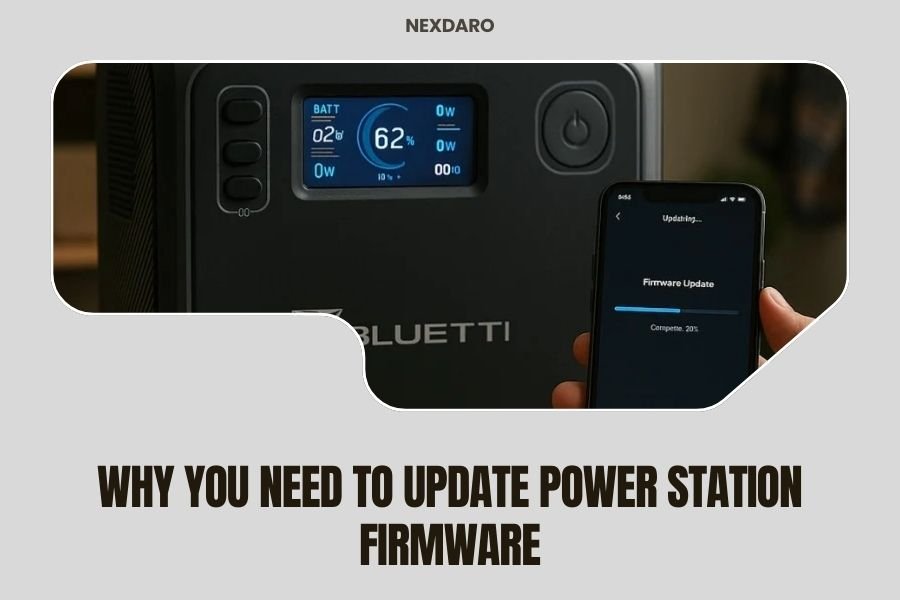
Power station firmware updates fix bugs, improve performance, and add new features to keep your device running safely and efficiently.
Regular firmware updates prevent potential safety issues and ensure your power station works with newer devices and charging standards.
What Is Power Station Firmware and Why Does It Matter
Think of firmware like your power station’s brain. It controls how your device charges, discharges, and protects itself from damage. Without proper firmware, even the best hardware can fail you when you need it most.
Your power station runs on embedded software that manages everything from battery health to charging speeds. This software needs updates just like your phone or computer does.
How Firmware Controls Your Power Station
The firmware manages critical functions you might not even think about. It monitors battery temperature, prevents overcharging, and balances power output across multiple ports.
When you plug in a device, the firmware decides how much power to deliver. It also protects your expensive electronics from power surges or voltage drops.
Top Safety Reasons to Update Your Firmware
Safety comes first with any power device. Outdated firmware can lead to serious problems that put you and your gear at risk.
Battery Protection Improvements
New firmware often includes better battery management systems. These updates can prevent overheating, extend battery life, and reduce fire risks.
I found research showing that lithium battery failures often trace back to poor management systems. Updated firmware fixes these weak spots before they become dangerous.
Charging Safety Updates
Power delivery standards change frequently. Your power station needs current safety protocols to charge modern devices without damaging them.
Older firmware might not recognize newer fast-charging standards. This can cause overheating or slow charging when you’re in a hurry.
Temperature Management
Heat kills batteries and electronics. Firmware updates often improve how your power station manages temperature during heavy use.
Better thermal management means safer operation and longer device life. That’s money saved and worry reduced.
Performance Benefits You’ll Actually Notice
Updated firmware doesn’t just keep you safe. It makes your power station work better in ways you’ll see every day.
Faster Charging Speeds
Many firmware updates optimize charging algorithms. Your power station might charge 10-20% faster with the same wall adapter.
Some updates also improve solar charging efficiency. If you camp or work outdoors, this can make a real difference in your daily power budget.
Better Power Efficiency
Newer firmware often reduces power waste during conversion from DC to AC. Less waste means more usable power for your devices.
I came across studies showing that firmware optimization can improve efficiency by 5-15%. That’s like getting free extra battery capacity.
Standby Power Reduction
Your power station uses some energy even when nothing’s plugged in. Firmware updates can reduce this phantom drain significantly.
Lower standby consumption means your power station holds its charge longer in storage. Perfect for emergency preparedness.
New Features and Device Compatibility
Technology moves fast. Your power station needs updates to work with the latest devices and charging standards.
USB-C and Fast Charging Support
New charging protocols appear regularly. USB-C Power Delivery standards update frequently, and your power station needs current firmware to support them properly.
Without updates, you might get slow charging or compatibility issues with new phones, laptops, and tablets.
Smart Features and App Integration
Many power stations now connect to smartphone apps. Firmware updates add new monitoring features, scheduling options, and remote control capabilities.
These aren’t just fancy extras. Being able to monitor your power station remotely can prevent problems and help you plan better.
Wi-Fi and Bluetooth Improvements
Wireless connectivity gets better with firmware updates. Improved connection stability means more reliable monitoring and control.
Security updates for wireless features also protect your power station from potential cyber threats.
How to Check if Your Power Station Needs Updates
Most people forget to check for updates until something goes wrong. Don’t be that person.
Using the Manufacturer’s App
Download your power station’s official app. Most will show your current firmware version and alert you to available updates.
Check the app monthly, or set up notifications if available. It takes two minutes and can save you hours of trouble later.
Manual Checking Methods
Some power stations display firmware version on their screens. Write down your version number and check the manufacturer’s website for newer releases.
Keep your user manual handy. It usually explains how to find version information and update procedures.
The Update Process: What to Expect
Updating power station firmware isn’t hard, but it requires attention to detail. Here’s what typically happens.
Preparation Steps
Charge your power station to at least 50% before starting. Updates can take 30-60 minutes, and you don’t want the process interrupted by low battery.
Make sure you have stable internet if updating through an app. A failed update can brick your device, though most manufacturers include recovery options.
What You’ll Need
- Stable internet connection
- Smartphone or computer
- USB cable (sometimes required)
- 30-60 minutes of uninterrupted time
During the Update
Never interrupt a firmware update once it starts. This can permanently damage your power station’s software.
The power station might restart several times during the process. This is normal – just be patient and let it finish completely.
Common Firmware Update Problems and Solutions
Updates sometimes go wrong. Knowing what to do can save you from panic and expensive repair bills.
Failed Update Recovery
If an update fails, don’t panic. Most modern power stations have recovery modes that let you try again.
Check your manual for recovery instructions, or contact customer support immediately. Many companies can walk you through recovery over the phone.
When to Contact Support
Call support if your power station won’t turn on after an update attempt. Also call if you see error messages you don’t understand.
Have your model number, serial number, and firmware version ready when you call. This speeds up the troubleshooting process.
How Often Should You Update
You don’t need to update every week, but you shouldn’t wait years either. Find a balance that works for your usage pattern.
Recommended Update Schedule
Check for updates every 3-6 months for regular users. If you depend on your power station for work or critical applications, check monthly.
Always update immediately if the manufacturer releases security fixes or safety-related updates.
Signs You Need an Update Now
Update immediately if you notice unusual behavior, compatibility issues with new devices, or any safety concerns like overheating.
Also update before major trips or events where you’ll depend heavily on your power station. Better safe than sorry.
| Update Priority | When to Apply | Reason |
|---|---|---|
| Security/Safety | Immediately | Prevents damage or danger |
| Major Features | Within 1 month | Improves functionality |
| Bug Fixes | When convenient | Fixes minor issues |
| Minor Updates | Next scheduled check | Small improvements |
Conclusion
Updating your power station firmware isn’t optional – it’s part of responsible ownership. These updates keep you safe, improve performance, and extend your device’s useful life.
Set a reminder to check for updates every few months. The small time investment protects your bigger investment in the power station itself. Your future self will thank you when your power station works perfectly during that crucial camping trip or power outage.
Don’t put off updates until problems arise. Proactive maintenance always beats reactive repairs, especially when it comes to devices that store and deliver electrical power.
Can firmware updates damage my power station?
Firmware updates rarely cause damage when done properly. Follow manufacturer instructions carefully, ensure stable power and internet connections, and never interrupt the update process once started.
Will updating firmware void my warranty?
Official firmware updates from the manufacturer never void warranties. In fact, many warranties require keeping firmware current for coverage to remain valid.
How long do firmware updates typically take?
Most power station firmware updates complete within 30-60 minutes. Complex updates with major feature additions might take up to 90 minutes, but this varies by manufacturer and model.
What happens if I lose internet during an update?
Lost internet connections can interrupt downloads but usually won’t damage your power station. Most devices will retry automatically when connection returns, or you can restart the process manually.
Do I need special cables or equipment to update firmware?
Most modern power stations update through Wi-Fi and mobile apps. Some older models require USB cables connected to computers, but this is becoming less common with newer devices.
