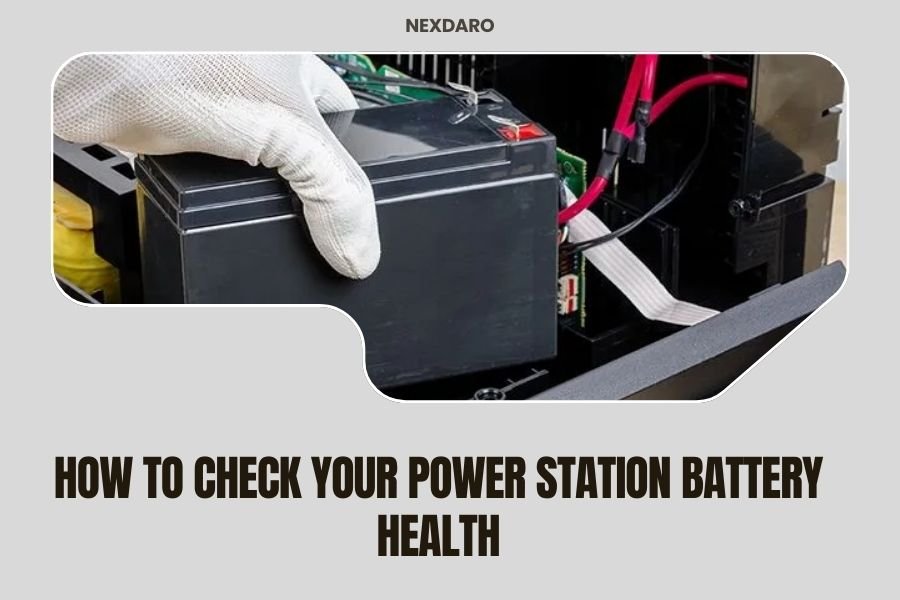
Check your power station battery health by monitoring its capacity, voltage readings, and charge cycle count through the built-in display or companion app.
A healthy power station battery should retain 80% or more of its original capacity and show consistent voltage output during use.
Your power station is like the heart of your outdoor adventures. When that battery starts failing, you’ll know it fast – usually when you need power most. Let me walk you through the simple ways to check if your battery is still in good shape or heading toward replacement time.
Why Battery Health Matters for Your Power Station
Think of battery health like your car’s engine condition. A worn-out battery won’t hold charge as long. It might shut down unexpectedly. You could get stranded without power for your devices.
I found that most lithium batteries in power stations last 500 to 2,000 charge cycles. After that, they start losing capacity. Some drop to 60% of original power. Others fail completely.
Quick Visual Inspection Methods
Start with what you can see and feel. Your power station gives you clues about battery condition.
Check the Display Screen
Look at your power station’s screen. Most show battery percentage, input/output power, and time remaining. Write down these numbers during a full discharge test.
If your display shows 100% but drops to 50% within an hour of light use, that’s a red flag. Healthy batteries discharge predictably.
Feel for Heat and Swelling
Touch the sides of your power station during charging. Mild warmth is normal. Hot surfaces mean trouble.
Check for any bulging or swelling on the case. This happens when lithium cells break down inside. Stop using it immediately if you see swelling.
Using Built-In Diagnostic Features
Many newer power stations have health monitoring built right in. These features save you time and give accurate readings.
Accessing Battery Management System Data
Press and hold your power button for 3-5 seconds. Some models show detailed battery info this way. You might see individual cell voltages, temperature, and cycle count.
Look for anything labeled “SOH” (State of Health) or “Capacity.” These tell you the current condition compared to when new.
Companion App Diagnostics
Download your manufacturer’s smartphone app if available. Apps often show more data than the small screen on your power station.
I found that apps typically display charging history, cycle count, and battery degradation over time. Some even predict remaining lifespan.
Manual Capacity Testing
Want the most accurate health check? Test actual capacity yourself. This takes time but gives you real numbers.
Full Charge and Discharge Test
Charge your power station to 100%. Let it sit for an hour to stabilize.
Connect a steady load like a fan or light. Record the wattage. Time how long it runs until the battery hits 0%.
Multiply watts by hours to get watt-hours (Wh). Compare this to your power station’s rated capacity. If you get less than 80% of the original rating, the battery is wearing out.
Multiple Load Testing
Test with different devices. Try high-power items like a mini fridge. Test low-power items like phone chargers.
Healthy batteries handle both loads well. Failing batteries might work fine with small loads but shut down under heavy draw.
Voltage Testing with a Multimeter
If you own a basic multimeter, you can check voltage directly. This works even when built-in displays fail.
DC Output Port Testing
Set your multimeter to DC voltage. Insert probes into a 12V car outlet or USB port while the power station is on.
Good 12V ports read 12.5-13.8 volts under load. USB ports should show 5.0-5.2 volts. Lower readings suggest weak batteries or failing circuits.
Voltage Drop Under Load
Measure voltage with no load, then connect a device and measure again. Small drops (0.1-0.3V) are normal. Big drops mean internal resistance is high – a sign of battery aging.
Monitoring Charge and Discharge Cycles
Cycle count tells you how much life your battery has left. Each full charge and discharge equals one cycle.
Keeping a Usage Log
Write down each time you fully charge your power station. Note dates and how long charges last.
I came across research showing that tracking usage patterns helps predict when batteries need replacement (Battery University). Look for gradual decline over months.
Understanding Cycle Ratings
Most power stations use lithium iron phosphate (LiFePO4) or lithium-ion cells. LiFePO4 typically lasts 2,000+ cycles. Standard lithium-ion lasts 500-800 cycles.
Check your manual for cycle rating. Divide that by your yearly usage to estimate remaining life.
Temperature Impact on Battery Performance
Temperature affects how your battery performs and how long it lasts. Cold weather is especially tough on lithium batteries.
Cold Weather Testing
If you camp in winter, test your power station in cold conditions. Bring it outside for an hour, then check how it performs.
Capacity drops in cold weather. This is normal but should recover when warmed up. If capacity stays low after warming, the battery might be failing.
Heat Stress Indicators
Hot climates and direct sun can damage batteries permanently. Feel for excessive heat during charging or use.
Many experts say keeping batteries between 32-77°F extends their life significantly (NREL). Store your power station in cool, dry places when possible.
Warning Signs of Battery Failure
Some symptoms mean your battery needs immediate attention or replacement.
Rapid Self-Discharge
Charge to 100% and leave unplugged for a week. Check the remaining percentage. Losing more than 5-10% means internal problems.
Inconsistent Runtime
Does your power station run for 8 hours one day and 3 hours the next with the same load? That’s a sign of cell imbalance or degradation.
Charging Problems
Takes forever to charge? Won’t reach 100%? Stops charging randomly? These point to battery or charging circuit issues.
Professional Testing Options
Sometimes you need expert help to diagnose battery problems accurately.
Manufacturer Diagnostics
Contact your power station’s customer service. Many offer free health checks if your unit is under warranty.
Some brands provide diagnostic software or can interpret data from your unit remotely.
Third-Party Battery Testing
Local electronics repair shops often test lithium batteries. They have professional equipment that measures internal resistance and cell balance.
Expect to pay $30-50 for thorough testing. This helps if you’re deciding between repair and replacement.
Extending Your Battery’s Life
Good habits keep your power station battery healthy longer.
Charge Management
Avoid letting the battery hit 0% regularly. Stop using it around 10-20% when possible.
Don’t leave it plugged in at 100% for weeks. Charge to 80% for long-term storage.
Storage Best Practices
Store at 50-60% charge in cool, dry places. Check and top off the charge every 3-6 months.
Extreme temperatures during storage cause permanent capacity loss.
When to Replace Your Power Station Battery
Some power stations have replaceable batteries. Others require complete unit replacement.
Replace when capacity drops below 60% of original rating. Replace if the battery won’t hold any charge. Replace immediately if you see swelling or smell chemical odors.
Replacement batteries typically cost 40-60% of a new power station’s price. Sometimes buying new makes more sense.
| Battery Health Indicator | Good Condition | Fair Condition | Replace Soon |
|---|---|---|---|
| Capacity Remaining | 80-100% | 60-79% | Below 60% |
| Charge Time | Normal specs | 20% longer | Double or won’t complete |
| Runtime Consistency | Very predictable | Some variation | Highly unpredictable |
| Self-discharge per week | 2-5% | 5-10% | Over 10% |
Conclusion
Checking your power station battery health doesn’t require fancy equipment or technical expertise. Start with simple visual inspections and built-in diagnostics. Run capacity tests when you have time for accurate measurements.
Pay attention to charging patterns, runtime consistency, and temperature effects. These tell you more about real-world performance than any single test.
Remember that all batteries wear out eventually. Regular health checks help you plan replacements before you’re stuck without power on your next adventure. A little prevention saves a lot of frustration later.
How often should I check my power station battery health?
Check basic indicators monthly during regular use. Run full capacity tests every 6 months or after 50 charge cycles. Check more often if you notice performance changes or use your power station daily.
Can extreme weather permanently damage my power station battery?
Yes, temperatures below 0°F or above 120°F can cause permanent capacity loss. Single exposure might cause minor damage. Repeated exposure or storage in extreme temps will significantly shorten battery life.
Is it normal for my power station to lose some capacity over time?
Absolutely normal. Most lithium batteries lose 1-3% capacity per year with regular use. After 500-2000 cycles, expect 70-80% of original capacity. This gradual decline is built into the battery chemistry.
What does it mean if my power station charges to 100% but dies quickly?
This suggests individual cells inside the battery pack are failing or unbalanced. The battery management system reads the highest cell as 100%, but weaker cells drain fast. This usually requires professional repair or replacement.
Should I completely drain my power station battery before recharging?
No, this actually harms lithium batteries. Charge when convenient, ideally keeping the battery between 20-80% for daily use. Complete drain cycles are only needed occasionally for calibrating the battery meter.