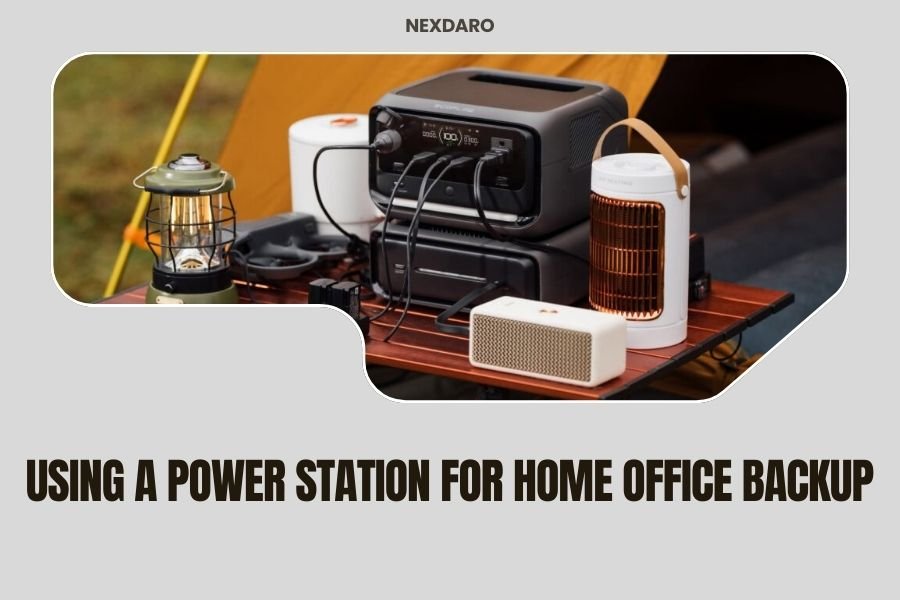
A power station can keep your home office running for 4-24 hours during outages, depending on your equipment and the station’s capacity.
You need at least 500Wh capacity for basic office gear like laptops and routers, but 1000Wh or more works better for longer backup times.
What Is a Power Station for Home Office Backup?
Think of a power station as a giant battery pack that plugs into your wall outlets. It stores electricity when the power’s on, then becomes your personal mini power company when the lights go out.
These devices look like small suitcases with handles. They weigh between 10-50 pounds and can power everything from your laptop to your Wi-Fi router. No gas, no noise, no fumes.
How Long Will a Power Station Keep Your Office Running?
The answer depends on what you’re powering and how big your power station is. Let me break this down for you.
Basic Office Equipment Power Needs
Your laptop uses about 50-65 watts per hour. Your router needs 10-20 watts. A desk lamp with LED bulbs takes maybe 10 watts.
Add it up: you’re looking at 70-95 watts per hour for basic work setup. A 1000Wh power station could run this for 10-14 hours straight.
Power-Hungry Office Gear
Got a desktop computer? That’s 200-400 watts. A large monitor adds another 50-100 watts. Printer? Another 100-300 watts when it’s working.
This setup could drain a 1000Wh station in 2-4 hours. You’ll need a bigger battery or smarter power management.
Choosing the Right Size Power Station
Size matters, but bigger isn’t always better. You need to balance capacity, cost, and portability.
Small Stations (300-500Wh)
Perfect for laptop workers who just need internet and basic lighting. These weigh 8-15 pounds and cost $200-400.
You can work for 4-8 hours with a laptop, router, and LED lamp. Great for short outages or if you work mostly on battery-powered devices.
Medium Stations (500-1000Wh)
The sweet spot for most home offices. These handle laptops, monitors, routers, and some extras for 6-12 hours.
They weigh 20-35 pounds and run $400-800. I found that most remote workers feel comfortable with this range.
Large Stations (1000Wh+)
For serious setups with multiple monitors, desktop computers, or long outage protection. These can run a full office for 8-24 hours.
Expect to pay $800-2000 and deal with 40-50 pound units. Worth it if power outages are common in your area.
Setting Up Your Office Backup System
You can’t just plug everything in and hope for the best. Smart setup saves battery life and prevents problems.
Priority Device Planning
Make a list. What do you absolutely need to keep working? Your laptop and internet connection probably top the list.
What can wait? That coffee maker, space heater, or charging station for devices you’re not using right now.
Placement Tips
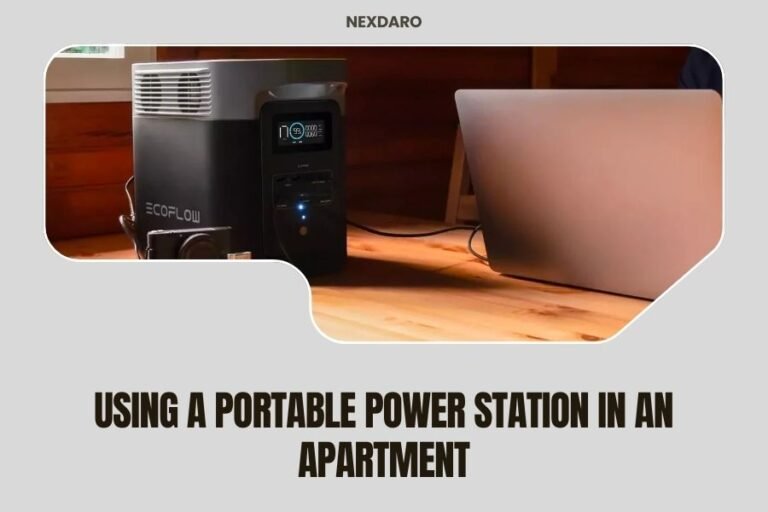
Keep your power station on the floor near your desk. Don’t put it on carpet if it has cooling fans. Hard surfaces help with heat management.
Leave space around the vents. These things can get warm when they’re working hard.
Which Office Equipment Works Best?
Not all office gear plays nice with power stations. Here’s what I learned about compatibility.
Great Matches
- Laptops and tablets
- LED desk lamps
- Wi-Fi routers and modems
- Phone chargers
- Small monitors (under 24 inches)
Tricky Equipment
- Laser printers (huge power surge when starting)
- Space heaters (too power-hungry)
- Old desktop computers (inefficient power use)
- Multiple large monitors
Inkjet vs Laser Printers
Inkjet printers use 30-50 watts. Laser printers can spike to 1000+ watts when they warm up. Guess which one works better with your backup power?
Real-World Backup Scenarios
Let me paint some pictures of how this actually works in different situations.
The Quick Outage (1-3 Hours)
Storm knocks out power during your afternoon video call. You switch to your power station, keep your laptop and router running, finish your meeting like nothing happened.
Even a small 500Wh station handles this easily. You barely notice the outage.
The All-Day Outage
Ice storm takes down power lines. You’re looking at 8-12 hours without electricity.
This is where planning pays off. You conserve battery by turning off extra monitors, dimming lights, and only printing when needed.
The Multi-Day Crisis
Hurricane or major storm system. Power could be out for days.
Your power station becomes part of a bigger plan. You work in shifts, recharge the station with solar panels or a generator, and focus on the most important tasks.
Money Matters: Cost vs Value
Is a power station worth the investment? That depends on your situation and how much losing work time costs you.
Calculate Your Outage Cost
How much do you make per hour? Multiply that by how many hours you lose during typical outages in your area.
If you make $50/hour and lose 4 hours twice a year, that’s $400 in lost income. A $500 power station pays for itself quickly.
Compare to Alternatives
| Solution | Upfront Cost | Noise Level | Indoor Safe | Maintenance |
|---|---|---|---|---|
| Power Station | $300-2000 | Silent | Yes | Minimal |
| Small Generator | $400-1000 | Very Loud | No | Regular |
| UPS System | $100-500 | Silent | Yes | Battery replacement |
Maintenance and Care
Power stations need some attention to stay healthy. Not much, but a little care goes a long way.
Regular Charging Cycles
Don’t let your power station sit empty for months. Charge it every 3-6 months even if you haven’t used it.
Lithium batteries stay healthier when they’re not completely drained or constantly topped off.
Temperature Considerations
Keep your station in normal room temperatures. Extreme heat or cold damages batteries over time.
Don’t leave it in your car during summer or in an unheated garage during winter.
Common Mistakes to Avoid
I’ve seen people make the same errors when setting up office backup power. Learn from their mistakes.
Overloading the System
Just because your power station has 10 outlets doesn’t mean you should use them all. Check the total wattage limit.
Running a 1000-watt station at 900 watts continuously will drain it fast and create heat problems.
Forgetting About Surge Power
Some devices need extra power when they start up. Your station might handle 1000 watts continuously but only 1500 watts of surge power.
That laser printer might trip the overload protection even though it normally runs fine.
Future-Proofing Your Setup
Think about where your home office is heading. Are you adding equipment? Working longer hours? Planning to move?
Expandable Systems
Some power stations let you add extra battery packs later. Others work with solar panels for unlimited recharging.
Spending a bit more upfront for expandability might save money later.
Solar Integration
Solar panels can recharge your power station during extended outages. A 100-200 watt solar setup adds all-day power independence.
Research shows that home solar adoption continues growing (Department of Energy). Power stations make solar more accessible than whole-house systems.
Conclusion
A power station transforms how you handle office power outages. Instead of losing work time and stressing about deadlines, you keep working like nothing happened.
Start with your actual needs, not what sounds impressive. A 500-1000Wh station handles most home offices perfectly. You can always upgrade later if your needs grow.
The peace of mind alone makes it worthwhile. When storms hit and your neighbors are scrambling, you’ll be calmly finishing your projects and meeting deadlines. That’s the real value of backup power done right.
How long does it take to recharge a power station after use?
Most power stations recharge in 4-8 hours from a wall outlet. Fast-charging models can reach 80% capacity in 2-3 hours. Solar recharging takes 6-12 hours in good sunlight, depending on panel size.
Can I use a power station while it’s charging?
Yes, most modern power stations support pass-through charging. You can power your devices while the station charges from the wall. This feature lets you use it as a permanent backup solution.
Will a power station damage my sensitive electronics?
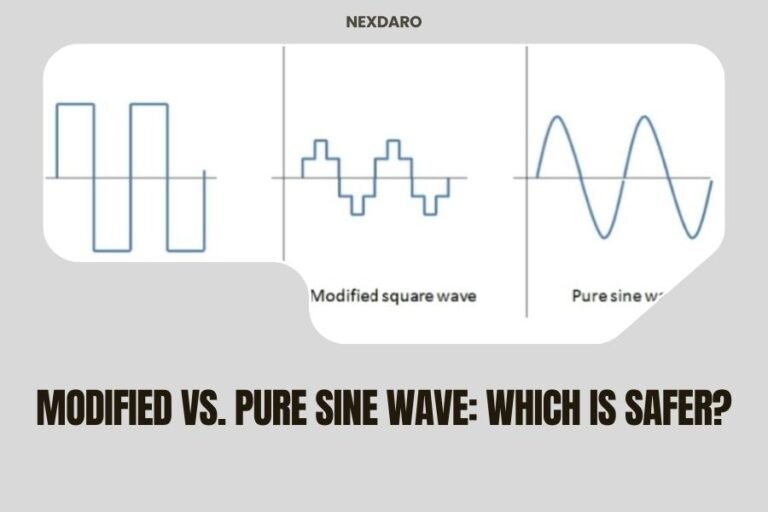
Quality power stations produce clean electricity that’s safe for laptops, computers, and other sensitive gear. Look for pure sine wave output, which matches what comes from your wall outlets.
How do I know when my power station battery is getting old?
Watch for shorter runtime between charges or longer charging times. Most lithium batteries last 2000-3000 charge cycles before losing significant capacity. That’s typically 5-10 years of normal use.
Should I keep my power station plugged in all the time?
Many power stations have built-in management that prevents overcharging. Check your manual, but most can stay plugged in safely. Some people prefer charging to 80% and unplugging to maximize battery life.