What Is the Best Portable Power Station for Wifi Backup?
On this page (5 sections)
When the power goes out, keeping your WiFi running is key. The best portable power station for WiFi backup is one that balances capacity, output ports, and portability to meet your specific needs. We found that units with at least a 300Wh capacity and multiple AC and USB-C ports are generally ideal for powering your router and modem through outages. Choosing the right one means less worry and more connection when it matters most.
Power outages can feel isolating, especially when your internet goes down. A portable power station acts like a personal generator for your essential electronics. It’s a way to maintain connectivity, allowing you to stay informed, work remotely, or simply keep the entertainment flowing. Many households find them incredibly useful for peace of mind during storms or planned maintenance.
- Portable power stations keep your WiFi running during outages.
- Look for capacity (Wh) and port options (AC, USB-C).
- They offer peace of mind and maintain connectivity.
- Choosing the right one depends on your devices and needs.
Let’s break down what to look for in a portable power station to keep your WiFi humming, even when the lights go out. Let’s break down what to look for in a portable power station to keep your WiFi humming, even when the lights go out.
Choosing the Right Power Station for Your WiFi Needs
When the power flickers out, your WiFi router and modem are often the first to go dark. A portable power station can be your knight in shining armor. It’s a rechargeable battery pack that can keep your essential internet gear humming. We found that the best models offer a smart blend of power capacity, connection options, and portability. You want something that fits your home and your lifestyle. For another household backup use, see backup power for aquariums.
How Much Power Do You Really Need?
This is the million-dollar question, right? You don’t want to buy a unit that’s too small and dies quickly. You also don’t want one that’s overkill and costs a fortune. Let’s figure out your WiFi’s energy appetite.
Understanding Watt-Hours (Wh)
The “Wh” on a power station is like its fuel tank. It tells you how much energy it can store. A typical WiFi router and modem combo might use around 10-20 watts. If you have a high-speed fiber setup, it might be a bit more.
To estimate your needs, check the power draw of your devices. You can usually find this on a sticker on the device itself. Multiply the wattage by how many hours you want to stay connected. For example, if your router uses 15 watts and you want 8 hours of backup, that’s 120 watt-hours. We recommend aiming for a unit with at least 300Wh. This gives you plenty of buffer for longer outages.
Calculating Your Specific Needs
Let’s do a quick calculation together. What’s the wattage of your router? What about your modem? Add them together. How many hours do you realistically expect to be without power during a typical outage? Multiply your total wattage by your desired hours. This gives you a target Wh number.
We found that many users underestimate their needs. It’s always better to have a little extra juice. A 500Wh or 600Wh unit often strikes a great balance for most households. It provides ample runtime without being too bulky.
What Ports Do You Need for Your Internet Gear?
It’s not just about the raw power; it’s about how you can use that power. Your WiFi setup needs specific types of connections.
The Mighty AC Outlet
Most routers and modems plug into a standard wall outlet. This means you need your power station to have AC outlets. Look for a unit with at least one, preferably two, reliable AC outlets. Make sure the continuous wattage output of the power station is higher than the combined wattage of your router and modem. This ensures it can handle the load without breaking a sweat.
The Versatile USB-C Port
These days, many newer devices, including some routers and certainly the devices you use with your WiFi (laptops, phones), can charge via USB-C. Some power stations also have USB-C PD (Power Delivery) ports. These can offer fast charging for your electronics. While not essential for the router itself, these ports add significant convenience. They let you keep your phones or tablets topped up.
Standard USB-A Ports
You’ll likely still have plenty of gadgets that use the older USB-A connectors. Having a few of these ports on your power station means you can charge other essential devices simultaneously. Think your smart speaker, e-reader, or a backup phone. We found that a mix of AC, USB-C, and USB-A ports offers the most flexibility.
Key Features to Look for in a WiFi Power Backup Solution
Beyond capacity and ports, there are other features that make a power station a great choice for keeping your internet alive.
Rechargeability and Speed
How long does it take to recharge the power station itself? This is important. You want it ready to go when the next storm rolls in. Many units can be recharged via a wall outlet, a car charger, or even solar panels. Recharge times vary greatly. Some smaller units can be fully charged in a couple of hours. Larger ones might take 6-8 hours or more.
Consider how you’ll typically recharge it. If you have access to solar panels, that’s a fantastic way to keep it topped up off-grid. We found that units supporting faster charging (like from a wall outlet) are generally more convenient for everyday use.
Portability and Design
While this isn’t going to be your go-to camping buddy for powering a whole cabin, you still want it to be manageable. Most power stations designed for home backup have a built-in handle. Some are quite compact and can be stored easily in a closet or on a shelf. Others are heavier, especially those with larger capacities.
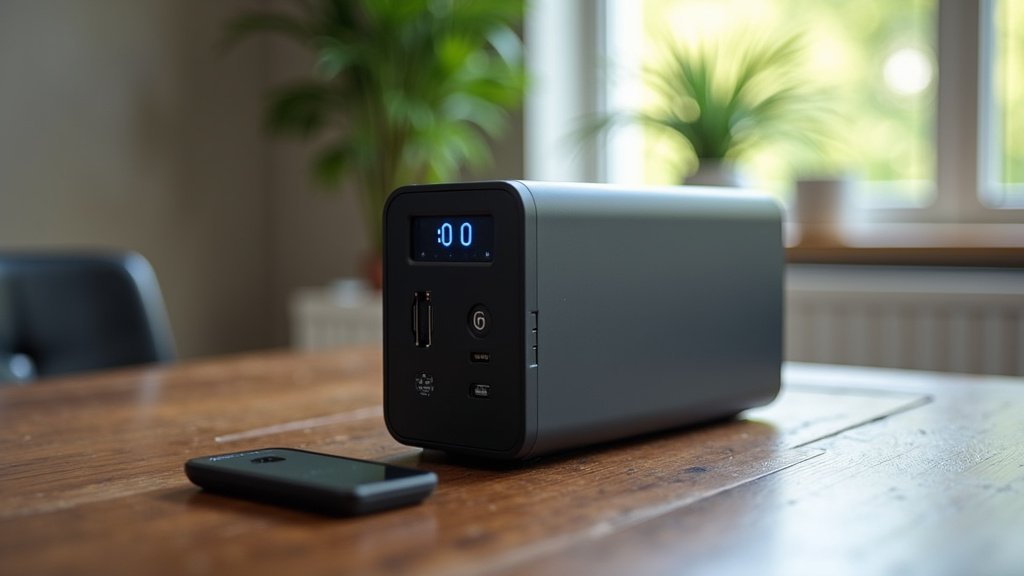
Think about where you’ll store it. Will you need to move it often? If portability is a big concern, look for units under 20 pounds. For many, a unit between 10-15 pounds is a good compromise. The design should also be user-friendly, with clear displays showing battery level and output wattage.
Safety and Durability
Safety is always number one. Look for power stations with built-in surge protection, overcharge protection, and short-circuit protection. Reputable brands usually highlight these features clearly. Many units use lithium-ion or lithium-iron-phosphate (LiFePO4) batteries. LiFePO4 batteries are known for their longer lifespan and better safety profile. Many experts suggest LiFePO4 for its reliability (Cleveland Clinic).
Durability also matters. You want a unit that feels solid and can withstand the occasional bump or knock. Check reviews for comments on build quality. A well-built unit provides peace of mind that it will perform when you need it most.
Making Your Final Choice: A Quick Checklist
So, you’ve got a good idea of what to look for. Let’s boil it down to a simple checklist to help you decide. Grab a pen and paper, or just keep this handy!
- Does it have enough Watt-Hours (Wh) for your desired runtime? (Aim for at least 300Wh).
- Does it offer enough AC outlets for your router and modem?
- Are there convenient USB-C or USB-A ports for other devices?
- Is the recharge time acceptable for your needs?
- Is the unit portable enough for you to handle and store?
- Does it have safety features like surge protection?
Examples of Power Station Tiers
To give you a better idea, let’s break down common tiers. These are general guidelines, and specific models will vary.
| Tier | Capacity (Wh) | Ideal Use Case | Typical Router/Modem Runtime (Estimate) |
|---|---|---|---|
| Compact | 150-250Wh | Short outages, powering just the router/modem. | 4-8 hours |
| Standard | 300-500Wh | Most common home use, multiple devices, longer outages. | 8-15 hours |
| High Capacity | 500-1000+Wh | Extended outages, powering more than just internet gear. | 15+ hours |
For WiFi backup specifically, the Standard tier (300-500Wh) is often the sweet spot. It provides enough power to get you through most common outages without being excessively large or expensive. We found that users in areas with frequent power fluctuations often invest in a standard or high-capacity unit for that extra peace of mind.
Conclusion
You’ve learned that keeping your WiFi connected during an outage is entirely achievable with the right portable power station. We’ve seen that balancing capacity (aim for 300Wh or more), the right types and number of ports, and your personal portability needs are key. Don’t forget to consider fast recharge times and essential safety features like surge protection. Now, take a moment to calculate your specific router and modem power needs. Then, use our checklist to compare models and make an informed choice. Your reliable internet connection during the next power disruption is just a smart purchase away.
Frequently Asked Questions
How long will a 300Wh power station power my WiFi?
A 300Wh power station can typically power a standard WiFi router and modem for about 8 to 15 hours. This depends on the exact power draw of your devices. You can do a quick calculation by checking the wattage on your router and modem. Multiply that by how many hours you want backup power to estimate your needs.
Can I use a power station to charge my phone and laptop too?
Absolutely! Most portable power stations come with multiple USB-A and USB-C ports, perfect for charging your smartphones, tablets, and laptops. Some units also have AC outlets that can power your laptop chargers directly. This makes your power station a versatile backup for all your essential electronics.
Are LiFePO4 batteries better for power stations than standard lithium-ion?
Yes, LiFePO4 batteries are generally considered superior for portable power stations. They offer a longer lifespan, meaning more charge cycles over time. They also provide a more stable voltage output and are known for their enhanced safety features. We found many users prefer LiFePO4 for its reliability and longevity.
How often should I recharge my WiFi backup power station?
It’s best to keep your power station charged to at least 80% at all times for immediate use. You should recharge it fully after any significant power outage. For regular maintenance, most manufacturers recommend a full recharge every 3 to 6 months if it’s not been used. This keeps the battery healthy and ready for action.
Is a solar panel needed for my WiFi backup power station?
A solar panel is not strictly necessary for WiFi backup but can be a great addition. It allows you to recharge your power station off-grid, which is useful during extended outages. Many power stations are compatible with solar charging. If you experience frequent or prolonged power interruptions, solar can offer extra peace of mind.