Can You Overcharge a Portable Power Station?
On this page (7 sections)
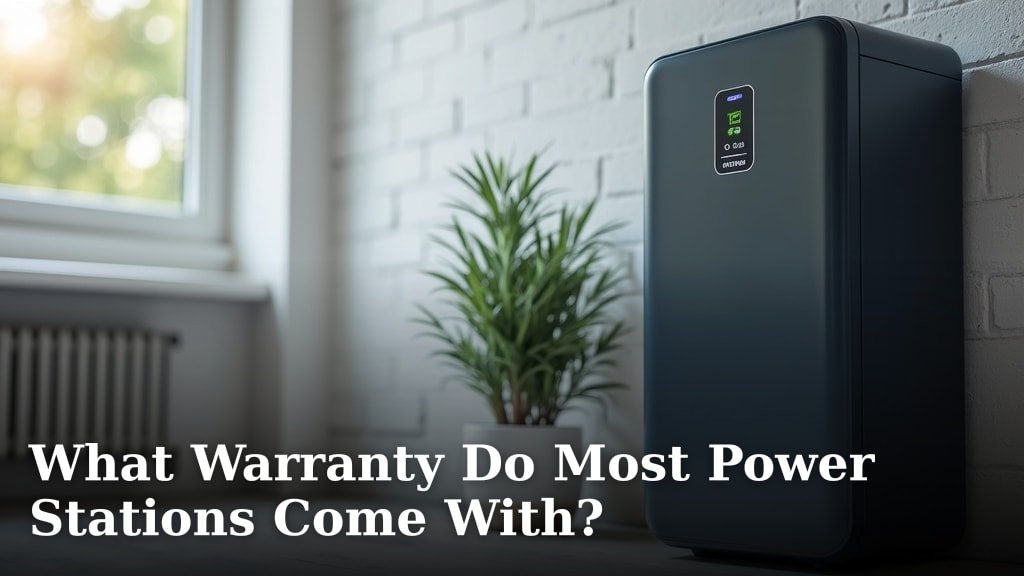
You generally cannot overcharge a modern portable power station. Most units come with built-in overcharge protection systems. These systems automatically stop charging when the battery is full. This prevents damage and ensures safety.
While direct overcharging is rare, understanding how your power station charges is still important. Many factors can affect charging speed and battery health. We found that using the correct charger is key. Also, keeping it in a suitable environment helps.
- Modern power stations have built-in safety features to prevent overcharging.
- These systems stop charging once the battery reaches 100% capacity.
- Always use the original charger that came with your device.
- Avoid charging in extreme temperatures to protect the battery’s lifespan.
- Understanding your power station’s charging process is good practice.
Let’s walk through exactly how your portable power station handles charging and what you should know to keep it running smoothly.
How Power Stations Handle Charging Safely
You’re probably wondering if you can push your portable power station too hard by leaving it plugged in too long. The good news is, for the most part, you really can’t. Modern portable power stations are designed with your convenience and safety in mind. They have smart systems built right in.
These systems act like a diligent guardian for your battery. They monitor the charge level constantly. Once the battery hits 100%, the charging process stops automatically. This prevents the battery from being damaged by overcharging. It’s a sophisticated safeguard that works behind the scenes.
Understanding Your Power Station’s Battery Management
Let’s look at the technology that keeps your power station safe. It’s all about advanced battery management systems (BMS). This BMS is the brain of your power station’s charging operation.
The Role of the Battery Management System (BMS)
The BMS is more than just a simple on-off switch. It’s a complex electronic circuit that oversees the battery’s health. This includes managing charging, discharging, temperature, and voltage. Its primary job is to keep the battery operating within safe parameters.
When you plug in your power station, the BMS communicates with the charger. It tells the charger how much power the battery can safely accept. As the battery fills up, the BMS adjusts the charging rate. It slows down near the end to protect the battery cells. This gentle approach is key to long battery life.
Stopping the Charge at 100%
The most important function for your question is the BMS’s ability to detect a full charge. It uses voltage and temperature readings to know precisely when the battery is at capacity. When it reaches this point, the BMS signals the charger to stop sending electricity. To check a station’s output yourself, follow this multimeter testing guide. Your power station then sits at a full charge without continuously drawing power.
Think of it like filling a water glass. Once it’s full, you stop pouring. The BMS does the same thing, but with electrical current. This prevents stress on the battery, which could happen if it were constantly being overfilled. This feature is standard on virtually all reputable power stations today.
What About “Trickle Charging”?
You might have heard the term “trickle charging.” This is often associated with older battery technologies like lead-acid. In those systems, a very low current might be applied to keep the battery topped off.
However, modern lithium-ion batteries, which are common in power stations, don’t typically use trickle charging in the same way. They are designed to stop charging entirely once full. So, your power station isn’t constantly sipping power after it’s charged. It’s more of a “full and done” situation.
Factors That Can Affect Charging and Battery Health
While direct overcharging is mostly a non-issue, other factors can impact your power station. Keeping these in mind helps ensure your device lasts as long as possible. It’s about general battery care.
Using the Correct Charger is Essential
This is a big one. Always use the original charger that came with your power station. Or, if you need a replacement, ensure it’s certified by the manufacturer and has the correct voltage and amperage ratings. Using an incorrect charger can be risky.
An incompatible charger might not communicate properly with the BMS. This could lead to either slow charging or, in rare cases, unsafe charging conditions. Manufacturers design their chargers to work perfectly with their specific power station models. It’s like using the right key for a lock; it just works best.
Environmental Conditions Matter
Where you charge your power station plays a role. Extreme temperatures are bad for batteries. Cold weather can slow down chemical reactions inside the battery, reducing charging efficiency. Heat, on the other hand, is a bigger concern.
Charging a power station in very hot conditions can stress the battery. It can accelerate degradation and shorten its overall lifespan. Most manufacturers recommend charging within a specific temperature range, often between 32°F and 104°F (0°C to 40°C). Always check your user manual for the exact specifications.
Ideal Charging Temperature Range
We found that keeping your power station within a moderate temperature range is ideal for battery health. Think of a comfortable room temperature. Not too hot, not too cold. This allows the battery to charge efficiently and without strain.
If you live in a very hot climate, avoid leaving your power station in direct sunlight or a hot car while charging. Similarly, if you’re in freezing temperatures, try to bring it inside to a warmer environment before plugging it in. A little bit of environmental awareness goes a long way.
Understanding Charge Cycles
Every time you charge and discharge your power station, it counts as a charge cycle. Batteries have a finite number of these cycles before their capacity starts to noticeably decrease. This is normal for all rechargeable batteries.
While this doesn’t relate to overcharging, it’s part of understanding your power station’s battery life. Minimizing unnecessary full charge and discharge cycles can help extend the number of years you get optimal performance. For instance, if you only need to power a small device for a short time, you don’t always need to drain it completely and recharge to 100%.
What If My Power Station Gets Warm While Charging?
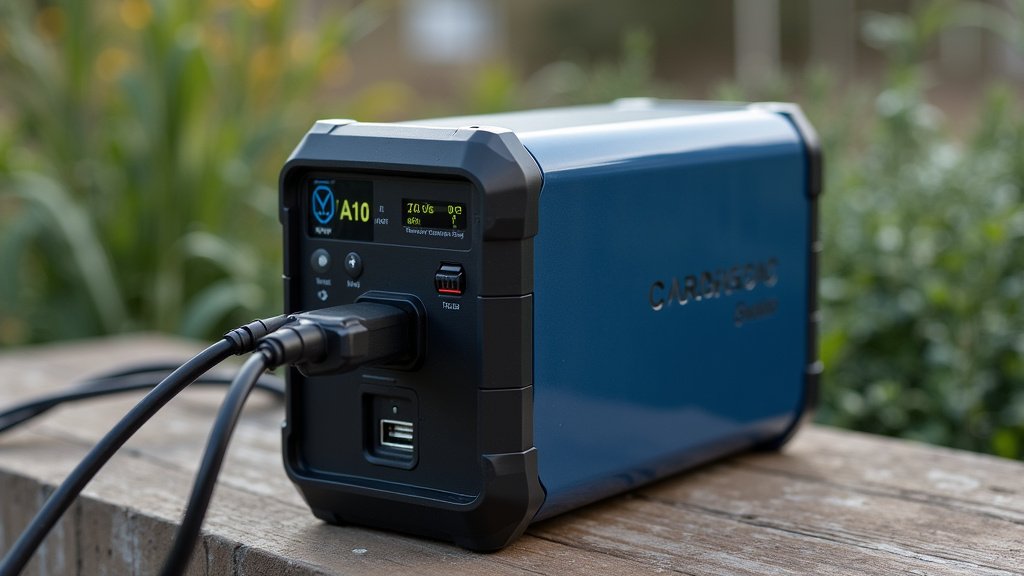
It’s normal for your power station to get slightly warm during charging. This is due to the flow of electricity and the internal processes. It’s like your laptop or phone getting a little warm when plugged in.
However, if it feels excessively hot to the touch – too hot to comfortably hold – that’s a warning sign. This could indicate an issue with the charger, the power station itself, or extreme environmental conditions. In such cases, you should immediately unplug the unit and allow it to cool down.
When to Be Concerned and What to Do
If your power station consistently gets unusually hot, or if you notice any strange smells or sounds during charging, stop using it. These could be signs of a more serious internal problem. Refer to your owner’s manual for troubleshooting steps.
Many manufacturers offer customer support. If you’re unsure about a charging issue, it’s always best to contact them directly. They can provide specific guidance for your model and help diagnose any potential problems. Your safety and the longevity of your device are the top priorities.
Tips for Optimal Power Station Charging and Care
To wrap up, while you don’t usually need to worry about overcharging, practicing good battery habits is wise. Here are some simple tips to keep your power station running its best:
- Always use the manufacturer-provided or certified charger.
- Charge in moderate temperatures, avoiding extreme heat or cold.
- Don’t leave it plugged in unnecessarily for weeks on end if not in use, though modern units handle this well.
- Keep the charging port clean and free of debris.
- Consult your manual for specific charging guidelines.
- If it gets too hot, unplug it immediately and let it cool.
Following these simple steps ensures your portable power station remains a reliable power source for all your adventures and needs, for years to come.
Conclusion
You’ve learned that modern portable power stations are built tough with smart charging technology. Their built-in safety features mean you generally cannot overcharge them. The Battery Management System (BMS) is your power station’s guardian, stopping the charge at 100%. While overcharging isn’t a typical worry, using the right charger and charging in moderate temperatures are key for long-term battery health. To keep your power station reliable, always refer to your manual for specific care tips and prioritize safety by unplugging if it feels excessively hot. Enjoy your dependable power source!
Frequently Asked Questions
Will leaving my power station plugged in damage it?
No, generally you don’t need to worry about damaging your power station by leaving it plugged in. Its internal Battery Management System (BMS) will stop charging once the battery reaches 100%, preventing overcharging.
Can I use any USB-C charger for my power station?
It’s best to use the original charger that came with your power station or a certified replacement from the manufacturer. Review these power station fire safety tips for more prevention guidance. An incompatible charger might not communicate correctly with the BMS, potentially leading to slower charging or safety issues.
Is it bad if my power station gets warm while charging?
A little warmth during charging is normal, similar to your phone or laptop. However, if it becomes uncomfortably hot to touch, you should unplug it immediately and let it cool down, as this could indicate a problem.
Do I need to unplug my power station when it’s fully charged?
While the power station won’t overcharge, unplugging it once fully charged is a good practice if you won’t be using it for a while. This conserves energy and ensures the battery isn’t constantly in a “full” state.
How does extreme cold affect my power station’s charging?
Charging in very cold temperatures can slow down the battery’s chemical reactions, making charging less efficient. It’s recommended to bring your power station to a moderate temperature before plugging it in to protect its battery life and ensure optimal charging.