What Does Surge Watts Mean on a Power Station?
On this page (6 sections)
Surge watts on a power station represent the maximum power it can briefly supply. This is important for starting up devices that need a big jolt. Think of it like a quick burst of energy. It’s the power station’s ability to handle those demanding appliance startups. This allows your gear to get going without issue.
Understanding surge watts helps you avoid overloading your power station. Most devices draw a steady amount of power, called running watts. But some, like refrigerators or power tools, need much more power to turn on. The surge rating ensures your station can handle this initial demand. It’s a key spec for compatibility.
- Surge watts are the peak power a station can deliver.
- They’re needed for starting up devices.
- This power is only needed for a short time.
- Matching surge watts prevents overloads.
We found that understanding this power rating makes a big difference. Let’s break down exactly what surge watts mean for your power station and how to use them correctly.
You’ve seen that “surge watts” number on your power station, and maybe you’ve wondered what it really means. It’s not just a random figure; it’s a critical piece of information. Understanding it ensures your devices get the power they need to start up. This is especially true for appliances that draw a lot of initial power.
Understanding Your Power Station’s Peak Output
Surge watts define the absolute highest amount of power your portable power station can provide. This is a temporary burst. It’s not what the station can sustain over time. Think of it like a sprinter’s explosive start versus their steady jogging pace. The surge is that powerful, quick burst.
The Difference Between Running and Surge Watts
Most electronic devices have two power needs. There are the running watts, which is the consistent power they use while operating. Then there are the surge watts, the extra power needed just to turn them on. We found that many people overlook this distinction. It’s a common reason for power station issues.
Running Watts Explained
Running watts are the steady power draw. This is what a device consumes to simply do its job. For example, a lamp uses the same amount of power to stay lit. Your laptop needs a consistent amount of power to charge your battery. This is the baseline power demand.
Surge Watts Explained
Surge watts are the startup power. This is the extra boost needed to overcome initial inertia. Many appliances have motors or compressors. These components require a lot more electricity for that first moment of operation. Imagine trying to push a heavy door open. You need an initial strong push. Then, it’s much easier to keep it moving. Understanding startup power is essential, especially for devices like air conditioners.
Why Surge Watts Matter for Your Devices
If your power station’s surge watts are too low, you might encounter problems. The device might not turn on at all. It could also cycle on and off repeatedly. This is because the station can’t meet the initial demand. You’re essentially asking for more power than it can momentarily deliver. This can lead to frustration and damaged equipment.
The “Startup Jolt” Analogy
Let’s use an analogy. Think about starting a car on a cold morning. The starter motor needs a significant surge of power from the battery. Once the engine is running, it requires much less continuous power to keep going. Your power station’s surge rating is like the battery’s ability to provide that initial strong jolt.
What Happens When Surge Capacity is Insufficient?
When a device’s surge requirement exceeds the power station’s surge capacity, several things can happen. The power station might shut down to protect itself from overload. The device might make a humming noise and then stop. In some cases, it could even cause damage to the device’s electronics. We found this is a recurring issue for users who don’t check the specs. It’s important to ensure compatibility.
Calculating Your Power Needs: Surge vs. Running
To properly use a power station, you must know the running and surge wattages of your appliances. This information is usually found on a label or in the device’s manual. It’s often listed in watts (W) or sometimes in amps (A) and volts (V). If you only see amps and volts, you can calculate watts by multiplying them (Amps x Volts = Watts).
Finding Wattage Information on Your Devices
Look for a sticker on the back or bottom of your appliance. This label typically lists the power requirements. You might see “Running Watts” and “Surge Watts” clearly marked. If it’s not explicit, you may need to do a little digging. Many manufacturers provide this data on their websites or in product manuals.
Common Devices with High Surge Requirements
Some common household items and tools need a substantial surge of power. Refrigerators and freezers are prime examples. Their compressors require a big kick to start. Power tools like circular saws or drills also have motors that need more juice initially. Even hair dryers can have a surprisingly high surge need. Here’s a general idea:
| Device | Typical Running Watts | Typical Surge Watts |
|---|---|---|
| LED Light Bulb | 5-10W | 5-10W |
| Laptop | 50-100W | 50-100W |
| Blender | 300-500W | 800-1500W |
| Microwave | 800-1200W | 1500-2500W |
| Refrigerator | 100-200W | 1000-2000W |
| Circular Saw | 1000-1500W | 2000-3000W |
Please note these are average figures. Always check your specific device’s label for accurate numbers.
How to Ensure Your Power Station Meets the Demand
The golden rule is to choose a power station with a surge wattage rating that is higher than the highest surge requirement of any single device you plan to run. Ideally, you want some buffer room. A common recommendation is to have a surge capacity at least 20% higher than your highest surge need. This provides a safety margin.
Checking Your Power Station’s Specifications
Your power station’s manual or product page will clearly state its continuous (running) wattage and its peak (surge) wattage. For example, a station might be rated at 1000 running watts and 2000 surge watts. This means it can continuously supply 1000W, but it can also provide a burst of up to 2000W for a short period.
Calculating Total Power Needs for Multiple Devices
If you plan to run multiple devices simultaneously, you need to consider their combined running watts. For surge needs, you generally only need to worry about the single device with the highest surge requirement at any given moment. Most devices don’t start up at the exact same second. However, if you anticipate starting two high-surge devices very close together, you’d need to add their surge wattages.
Troubleshooting Common Surge Wattage Issues
Encountering problems with your power station not powering a device? Surge wattage is often the culprit. Here are a few common scenarios and how to address them. We found that many users experience these same issues.
Power Station Shuts Down Suddenly
This is a classic sign of overload. If your power station shuts off unexpectedly while a device is running or trying to start, it’s likely exceeding its surge capacity. It’s a built-in safety feature.
- Solution: Unplug the device. Check its surge wattage. Ensure your power station’s surge rating is sufficient. Try running less demanding devices or a single high-surge device at a time.
Device Makes a Noise but Doesn’t Start
This indicates the power station is attempting to deliver power but can’t sustain the initial surge. The device’s motor might be trying to spin, but the insufficient power prevents it from gaining momentum.
- Solution: Verify the device’s surge wattage against your power station’s capabilities. If the power station is rated lower, you’ll need a more powerful unit.
Power Station Beeps or Shows an Error Code
Many power stations have indicator lights or audible alerts for overload conditions. Consult your power station’s manual to understand what specific error codes or beeps mean. Overload is a frequent cause.
- Solution: Refer to your manual. Often, the solution involves reducing the load on the power station.
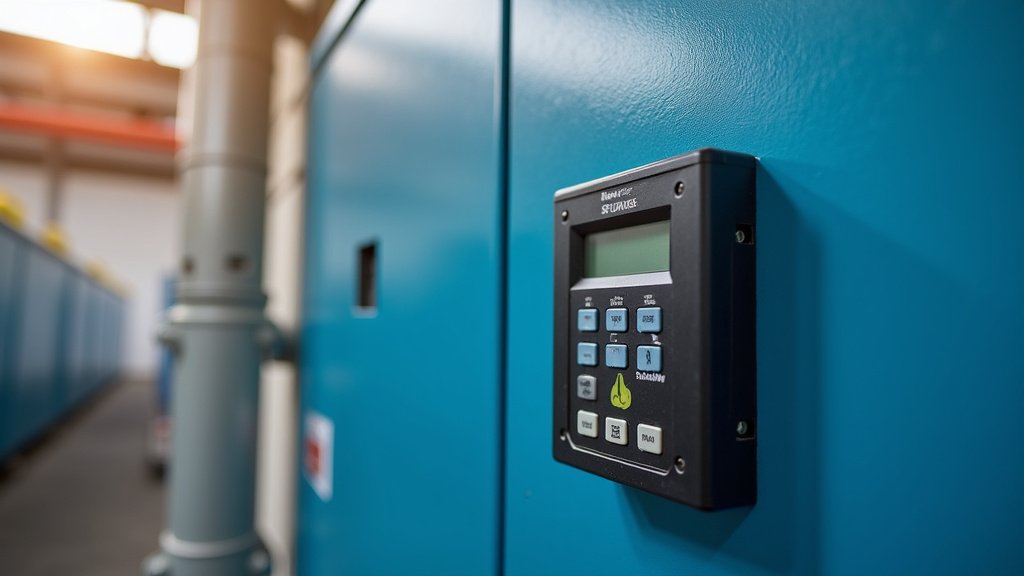
Choosing the Right Power Station for Your Needs
Selecting the correct power station involves more than just looking at battery capacity. The surge wattage is just as vital, especially for certain applications. Consider your primary use cases.
For Camping and Outdoor Adventures
If you plan to run small appliances like mini-fridges, blenders, or CPAP machines, you’ll need adequate surge capacity. A unit with a surge rating of 1000-2000W is often sufficient for many common camping needs. Always double-check your most power-hungry item.
For Home Backup and Emergencies
During a power outage, you might need to run larger appliances like refrigerators or freezers. These devices have significant surge requirements. You’ll need a power station with a higher surge rating, possibly 3000W or more, depending on the appliance. Many experts suggest ensuring your backup power can handle the largest critical appliance’s surge needs (Cleveland Clinic).
For Power Tools and Workshops
If you’re using power tools, you’ll definitely need a robust power station. Tools like miter saws, air compressors, and even larger drills demand a lot of startup power. You might be looking at surge ratings of 3000-5000W or even higher for more demanding tools. It’s better to have more surge capacity than you think you need.
Quick Checklist for Power Station Selection:
- Identify your highest surge wattage device.
- Find your power station’s surge wattage rating.
- Ensure the station’s surge is higher than your device’s.
- Add a buffer of at least 20% for safety.
- Consider running multiple devices simultaneously.
- Check the station’s continuous wattage too.
Conclusion
You’ve learned that surge watts are vital for starting up demanding devices. It’s the temporary power boost your power station provides. Understanding this rating prevents overloads and protects your electronics. Always match your power station’s surge capacity to your devices’ startup needs, ideally with a buffer. Before your next camping trip or power outage, check those wattages. This ensures your gear reliably powers up when you need it most.
Frequently Asked Questions
Will my power station work if the surge watts are lower than my device’s need?
Likely not. If your device’s startup power requirement (surge watts) exceeds your power station’s surge capacity, the station may shut down. This is a safety feature to prevent damage. Your device might also hum but fail to start.
How much higher should my power station’s surge watts be than my device’s?
We found that a buffer is always a good idea. A common recommendation is to have a surge wattage rating at least 20% higher than your most demanding device’s surge requirement. This provides a safety margin for reliable operation.
Do I need to add up the surge watts of all devices if I plan to use them at once?
Generally, no. You only need to worry about the single device with the highest surge requirement at any given moment. Most devices don’t start up simultaneously. If you anticipate starting two high-surge items very close together, then you would add their surge wattages.
Can I leave a device plugged into the power station if it’s near its surge limit?
It’s best not to push the limits. While the surge is temporary, repeatedly stressing the power station can shorten its lifespan. Ensure your station’s continuous (running) wattage can also handle the device’s ongoing power needs.
Where can I find the surge wattage information for my appliances?
You can usually find this information on a sticker or plate on the appliance itself, typically on the back or bottom. It may also be listed in the device’s user manual or on the manufacturer’s website. Look for “surge watts” or “startup watts.”